# Getting Started

<div align="left"><figure><img src="https://628257366-files.gitbook.io/~/files/v0/b/gitbook-x-prod.appspot.com/o/spaces%2FJR7CoHgmmOgtuyR2MgLf%2Fuploads%2Fvok47bfjKUO1OLFrfTVH%2Flogo.svg?alt=media&#x26;token=0cbda9d6-3d22-4e09-a63d-f800b9029874" alt=""><figcaption></figcaption></figure></div>

Cronfree Time Scheduler streamlines Zapier automation without code. You can set up persisting jobs at various time areas and also periods. A solitary Zap can cause numerous occasions.

A few of the major benefits are:

**Simpleness**: Build automated zaps without understanding how to code.

**Flexibility**: Schedule and plan work by setting multiple dates and times for any  time zones.

**Performance**: Automate repeated jobs to conserve time as well as sources.

**Dependability**: Cronfree has a 99.9% uptime.

**Scalability**: Start with a complimentary test as well as increase automation as you require to.

{% embed url="<https://www.youtube.com/watch?v=yQe9yLD7Vuo>" %}

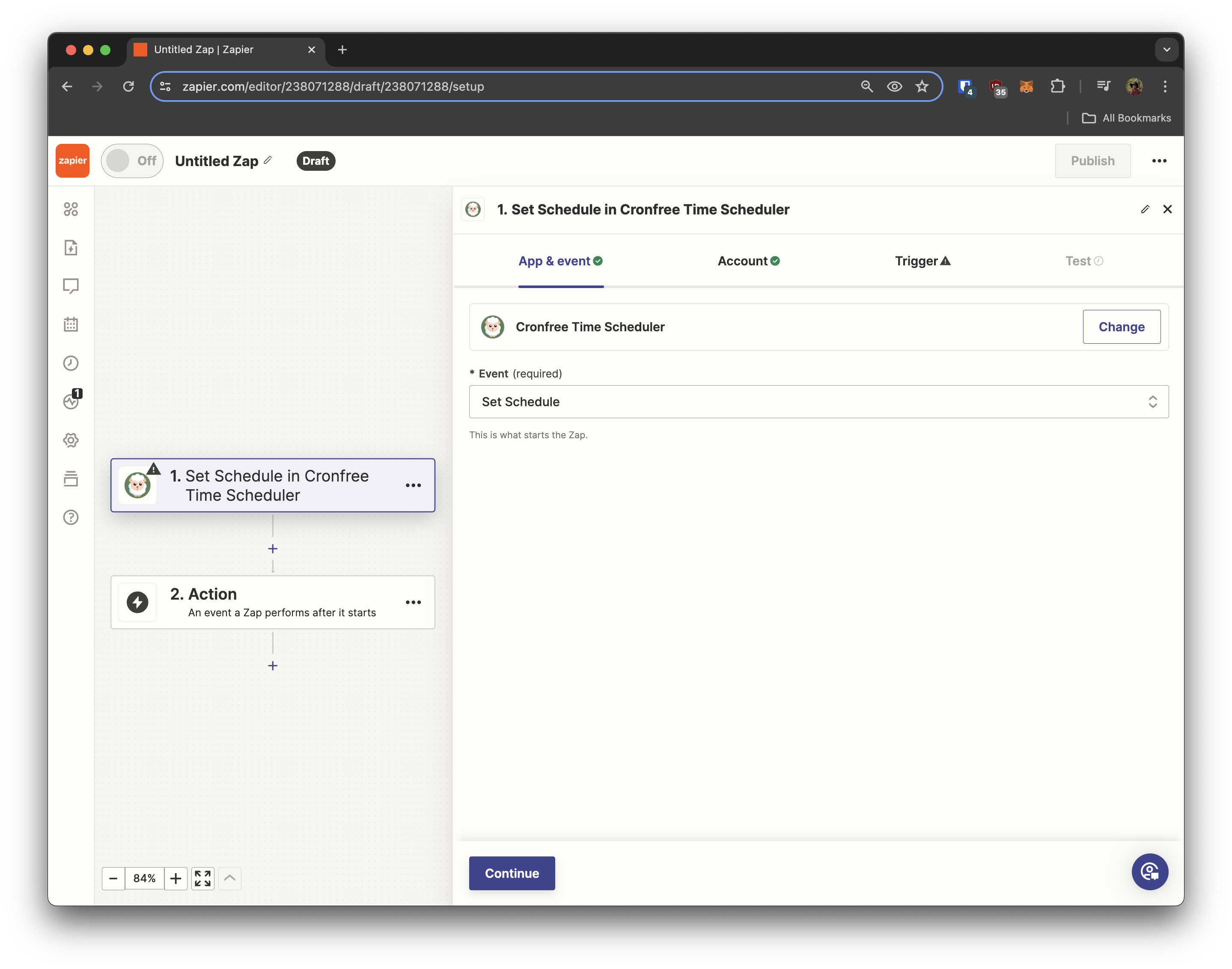
In Zapier, when you use select Cronfree you will be asked to sign into an account.&#x20;

<figure><img src="https://628257366-files.gitbook.io/~/files/v0/b/gitbook-x-prod.appspot.com/o/spaces%2FJR7CoHgmmOgtuyR2MgLf%2Fuploads%2FPzvSpqPkC6qMYb2yUiOH%2FScreenshot%202024-05-01%20at%201.02.59%20PM.png?alt=media&#x26;token=b2660af8-53e4-4f54-bba0-cf30fa14628d" alt=""><figcaption><p>Select Cronfree from the Zapier Search Bar</p></figcaption></figure>

<figure><img src="https://628257366-files.gitbook.io/~/files/v0/b/gitbook-x-prod.appspot.com/o/spaces%2FJR7CoHgmmOgtuyR2MgLf%2Fuploads%2F6GTAa2NdjDYJrgxalcXa%2FScreenshot%202024-05-01%20at%201.03.14%20PM.png?alt=media&#x26;token=eee07062-0037-432c-b6f3-d262ea504099" alt=""><figcaption><p>Where can I get a license key</p></figcaption></figure>

Visit <https://cronfree.com>

and click Sign Up

<figure><img src="https://628257366-files.gitbook.io/~/files/v0/b/gitbook-x-prod.appspot.com/o/spaces%2FJR7CoHgmmOgtuyR2MgLf%2Fuploads%2F7CG9tpw85GqAplEuNHYk%2FScreenshot%202024-05-01%20at%201.05.24%20PM.png?alt=media&#x26;token=425b144e-fcd6-4745-9898-abf400799468" alt=""><figcaption></figcaption></figure>

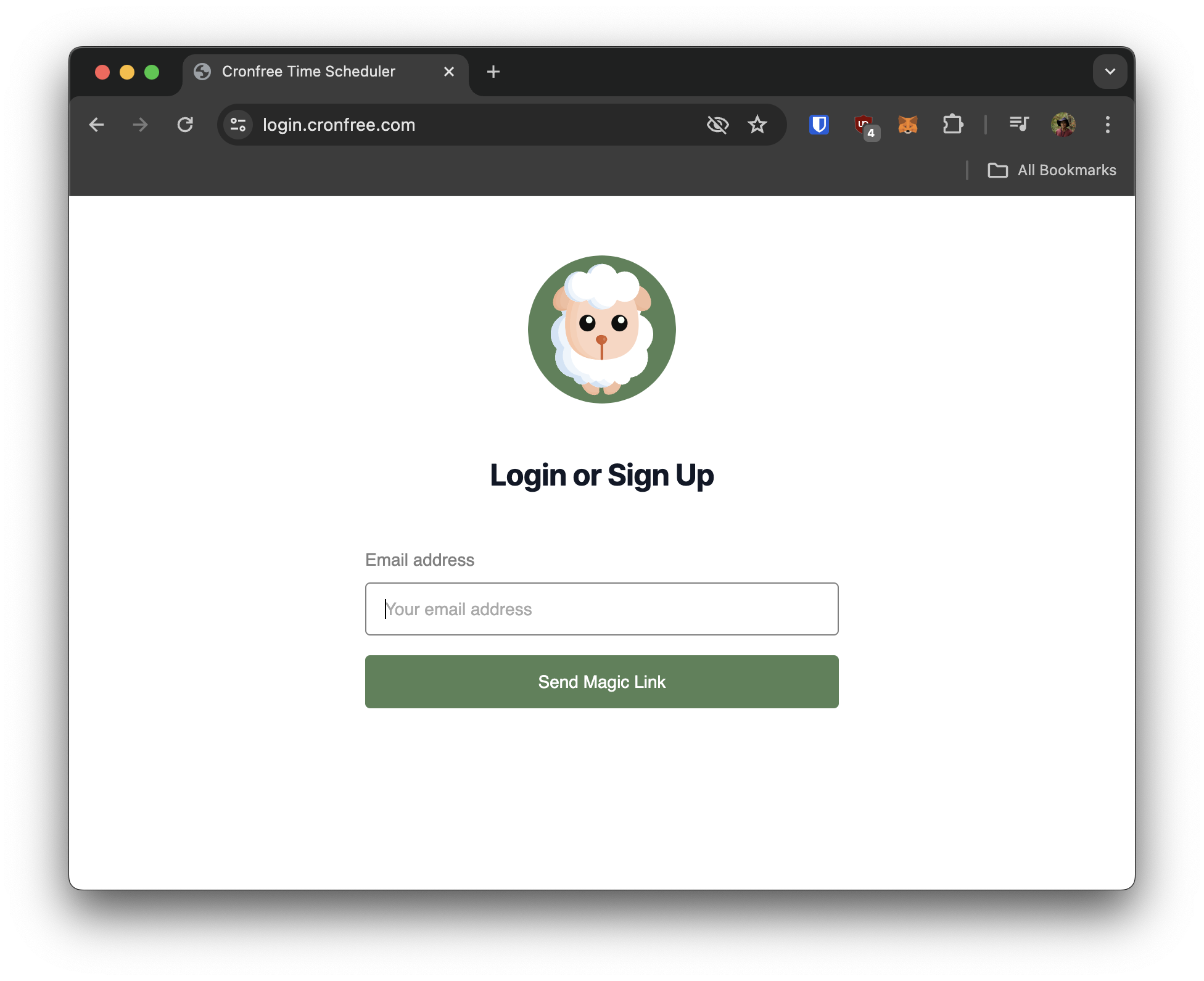
Enter your email and receive a magic link in your email inbox

<figure><img src="https://628257366-files.gitbook.io/~/files/v0/b/gitbook-x-prod.appspot.com/o/spaces%2FJR7CoHgmmOgtuyR2MgLf%2Fuploads%2FKCewo2r4jllOzxwvVAy0%2FScreenshot%202024-05-01%20at%201.04.37%20PM.png?alt=media&#x26;token=37f56024-9d5b-4d8b-86b4-5c215350e054" alt=""><figcaption></figcaption></figure>

Once logged into your dashboard, find where it says License Key

<figure><img src="https://628257366-files.gitbook.io/~/files/v0/b/gitbook-x-prod.appspot.com/o/spaces%2FJR7CoHgmmOgtuyR2MgLf%2Fuploads%2Fw6UGfO9C6jpm0iaIGMwK%2FimgA.png?alt=media&#x26;token=45b93228-cc8a-4124-896b-158e900f518a" alt=""><figcaption><p>Copy paste the license key into your Zapier Login</p></figcaption></figure>

You're now logged into Cronfree!

<figure><img src="https://628257366-files.gitbook.io/~/files/v0/b/gitbook-x-prod.appspot.com/o/spaces%2FJR7CoHgmmOgtuyR2MgLf%2Fuploads%2F7fc1IxS6MaeB9H4S7Vzc%2FScreenshot%202024-05-01%20at%201.11.00%20PM.png?alt=media&#x26;token=addf70cc-fcdc-4eb0-9d64-f682637db82c" alt=""><figcaption></figcaption></figure>